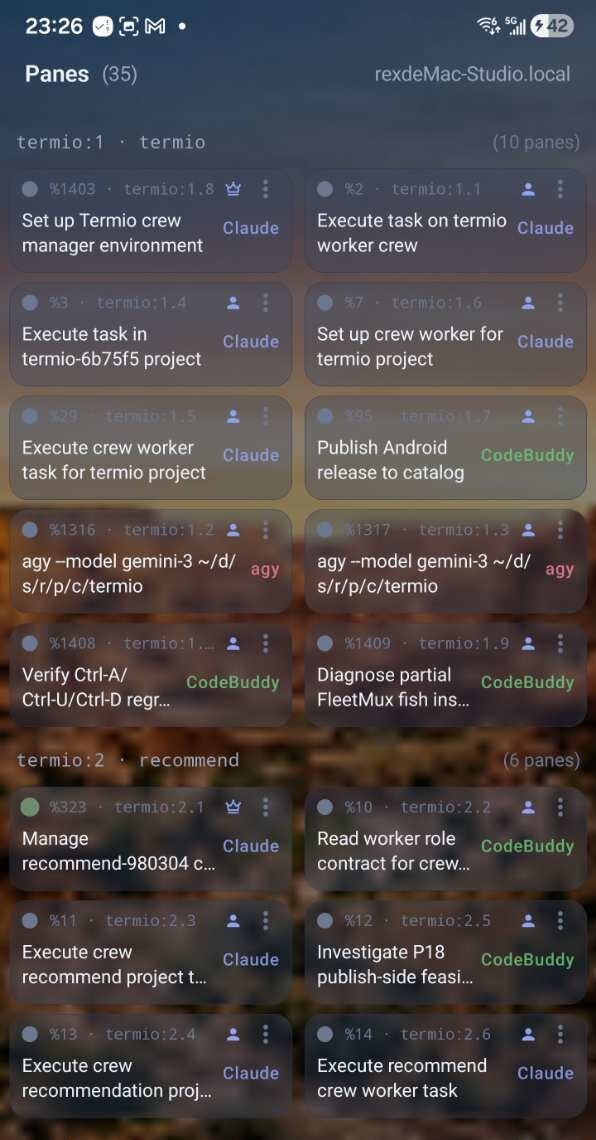
Switch targets without losing context
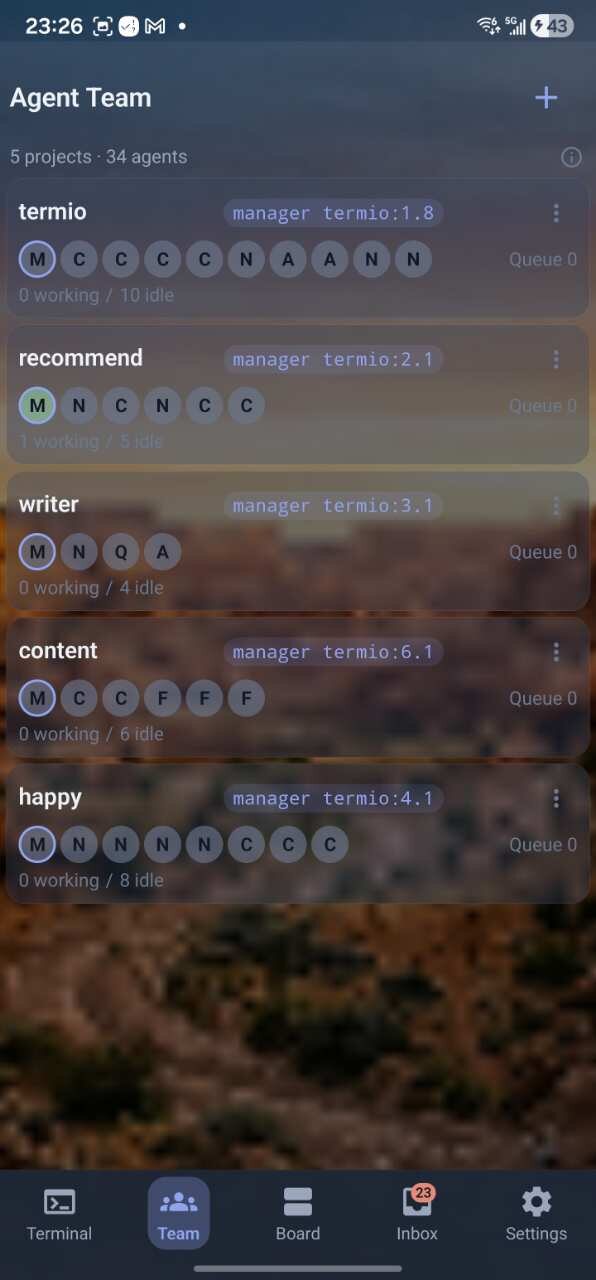
Every machine, one control plane
See live panes across your paired machines, switch to the target that needs you, and jump into the right project without hunting for a laptop.
Termio is the control plane for all the agents across all your machines. Switch target machines, open a real terminal, coordinate crews, and take action from your phone.
Use your phone as one client of the control plane, with each Mac staying in its own trust boundary.
All your machines · all your agents · iPhone + Android + Mac
The problem
Agents keep working across machines and projects. Termio gives you one view of the fleet, a real terminal when you need it, and the control to act without hunting for the right computer.
An agent is waiting for approval on another machine.
You have work in several projects and no single place to see what needs attention.
You need to act, not just watch a mirror of output.
Termio puts the whole fleet within reach.
See, attach, coordinate, and trust the agents spread across your machines.
Switch targets without losing context
See live panes across your paired machines, switch to the target that needs you, and jump into the right project without hunting for a laptop.
Attach to the work, don’t just watch it
Open a pane as a genuine tmux client with a cursor and direct typing. The agent keeps running on its target machine while you take action.

Route work from manager to workers
Run a manager with worker panes, dispatch tasks, and track them on the Board through queued, active, verified, and reopened states.
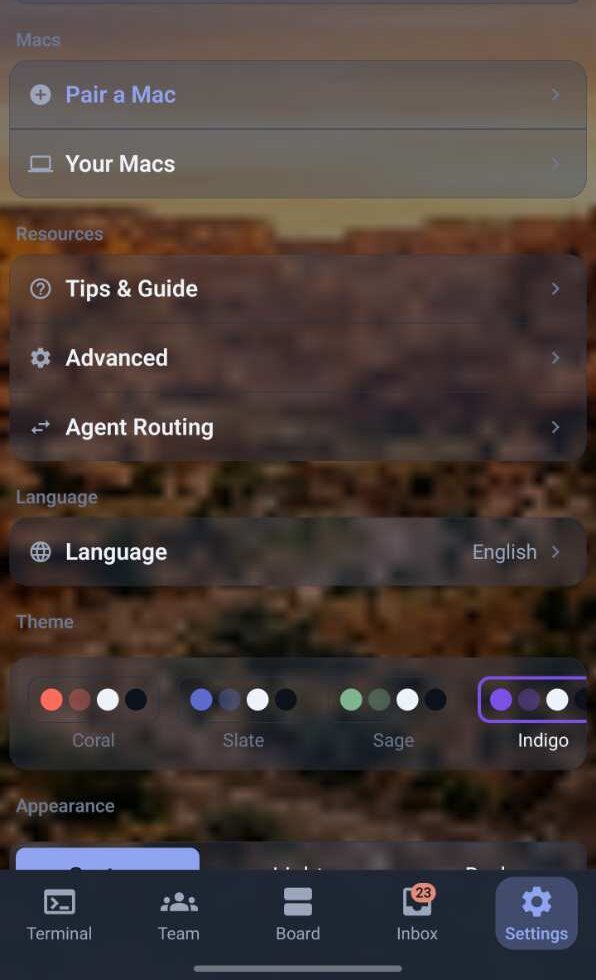
Approve devices per Mac
Pair multiple Macs and manage the devices approved to access them. Account access, machine identity, and tiered subscription entitlements stay explicit.
agents, one app
One app for your whole terminal toolkit
Claude Code, Cursor, Codex, AGY, and CodeBuddy all run in your terminals — Termio brings them into one control plane across your machines.
server-side terminal storage
Your terminal contents never leave your machine
The server never stores your conversations or terminal content. The daemon owns the SQLite on your Mac, mode 0600. The iOS cache wipes on logout, protected by Face ID.
Explicit machine-by-machine access
Pair each machine explicitly, keep terminal content on the machine that runs it, and use the phone as a secure client for the control plane. Ready in minutes.
Agent Team
One manager, up to nine workers, mixed however you like — each agent runs in its own pane, on the machine where the work belongs. Coordinate the crew, inspect the Board, and take action from your phone.
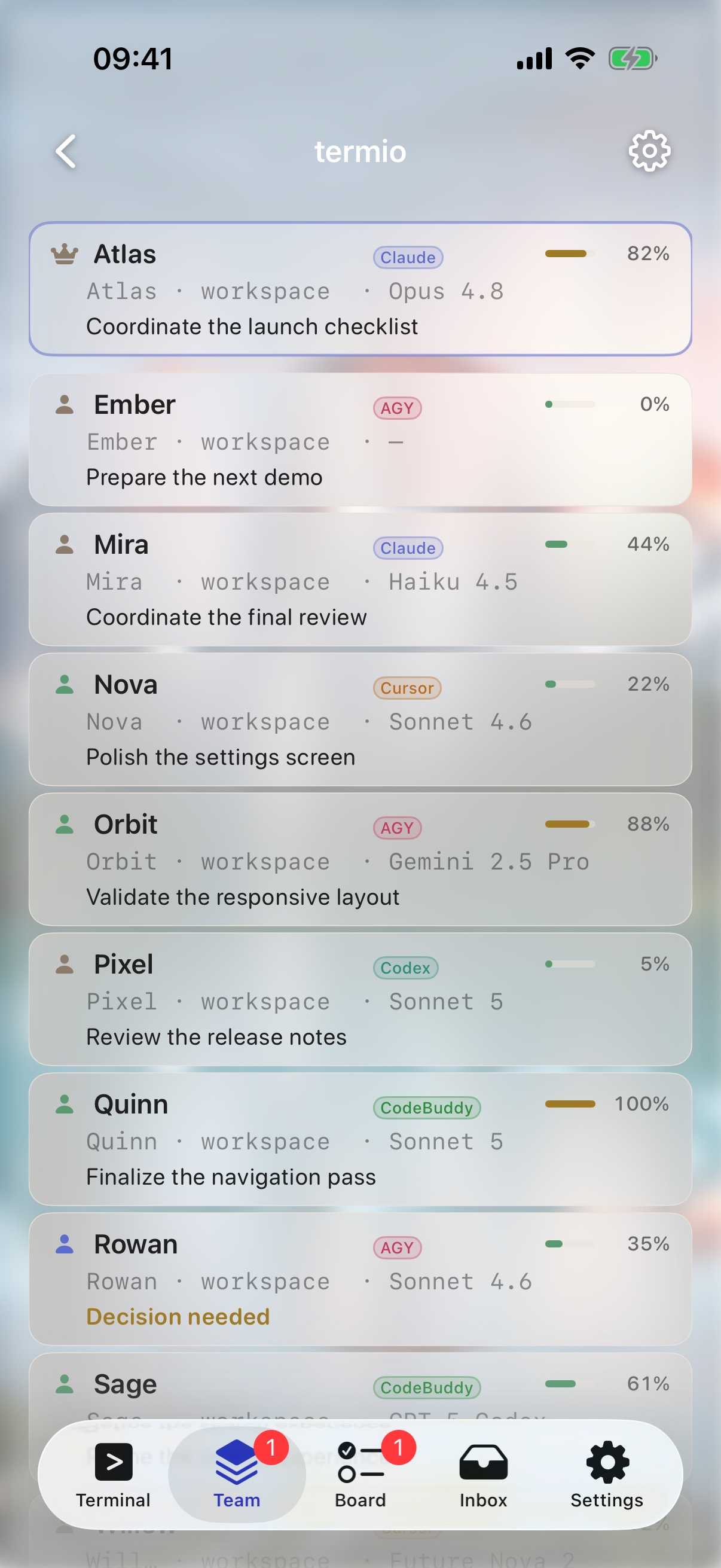
Spin up a project with one manager and up to nine workers — any mix of Claude Code, Cursor, Codex, AGY, and CodeBuddy, each running in its own pane and reporting back to the manager.
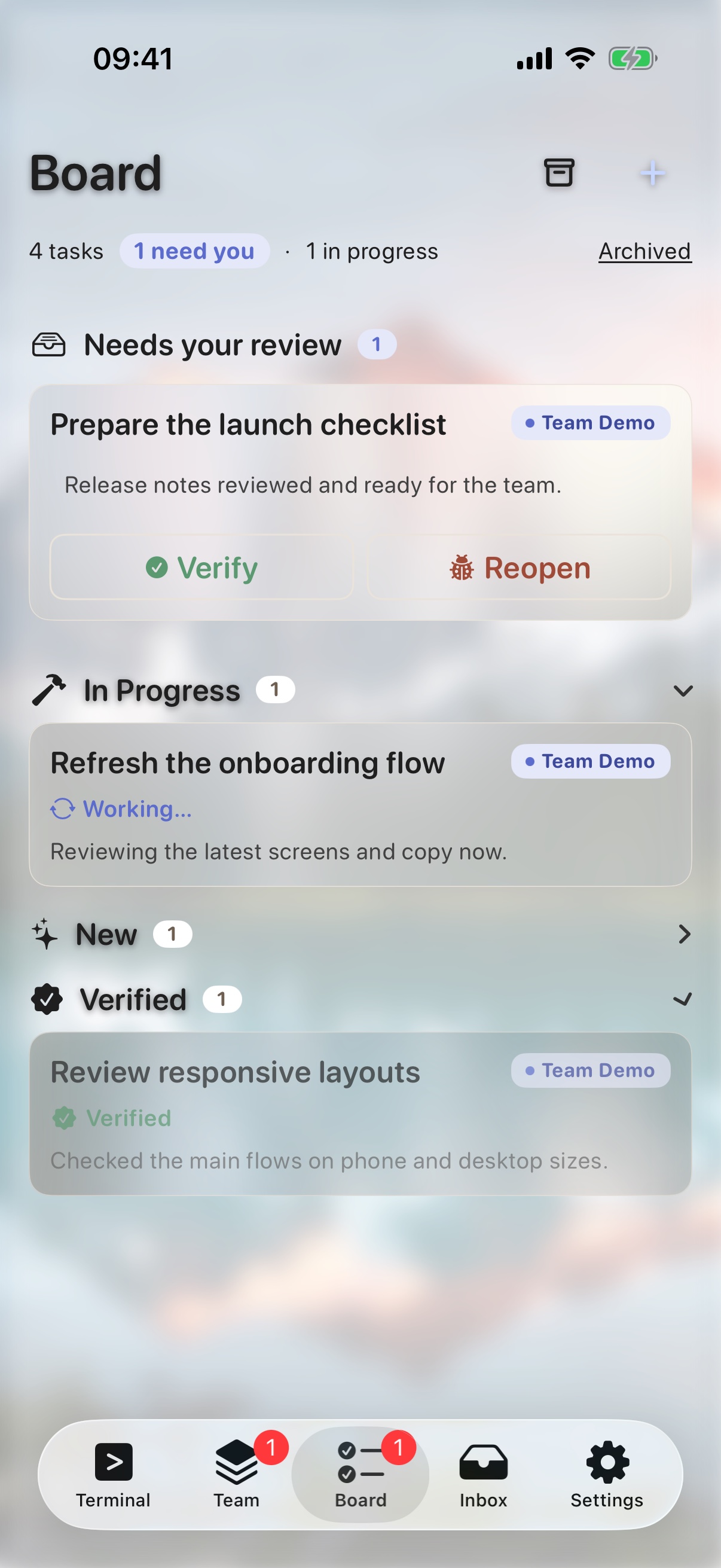
Dispatch work and it shows up as a Board card — queued, in progress, done, or waiting on your verification. Open it to inspect the result and reopen it when the work needs another pass.
Open a pane that's live on another machine and Termio asks first — the other device drops to read-only, one tap hands you control, and the pane resizes for the device that took it over.
Privacy
Your conversations and terminal content are never stored on our servers — they live only on your Mac. We keep just your account and the notifications we send you. The server’s job is to route, not to remember.
No tmux output, no pane buffers, no prompts, no agent responses. We keep just your account and the notifications we send you. The relay routes; it does not log what was sent.
Messages live in a local SQLite file, mode 0600, capped at 100 MB or 7 days. Audit log records sizes only — never bodies.
Warm cache, JWT, preferences — gone the moment you log out. Account auth lives in the Keychain, protected by Face ID.
Full details live in our Privacy Policy.
How it works
Download the .dmg, drag the menu-bar app to Applications, and launch it. A background daemon starts automatically and streams your terminal sessions to the relay — no tmux expertise required.
Open Termio on iPhone, log in, and tap Pair Mac. Scan the QR code the Termio app shows on your Mac, or generate the 8-character code on the phone and type it into the Mac. Its panes appear — Face ID keeps the session key in Keychain. Repeat Pair Mac for each machine, then switch targets from the machine picker.
Pick a pane and steer Claude Code, Cursor, Codex, AGY, or CodeBuddy live. Send a message, watch the terminal stream, and approval cards surface automatically the moment an agent needs a decision.
Download
Free on the App Store. Install the Mac companion on each machine you use, pair your phone, and drive all your agents from one control plane in minutes.
iPhone + Android + Mac · macOS 13+ (Apple Silicon & Intel) · Android 8+ · Free to start